

Cinema 4D Render Farm, optimized.
We’re an official Maxon render partner dedicated to making rendering effortless. Our user-friendly software integrates seamlessly, offering support for all major render engines. With fast, reliable results and expert assistance, we ensure your creative process stays smooth and efficient.


Supported software
Our system automatically detects your exact Cinema 4D version and recreates that environment on the farm before your job starts. With supported versions from legacy releases to the latest builds, you never need to change your local setup before submitting.
Take rendering
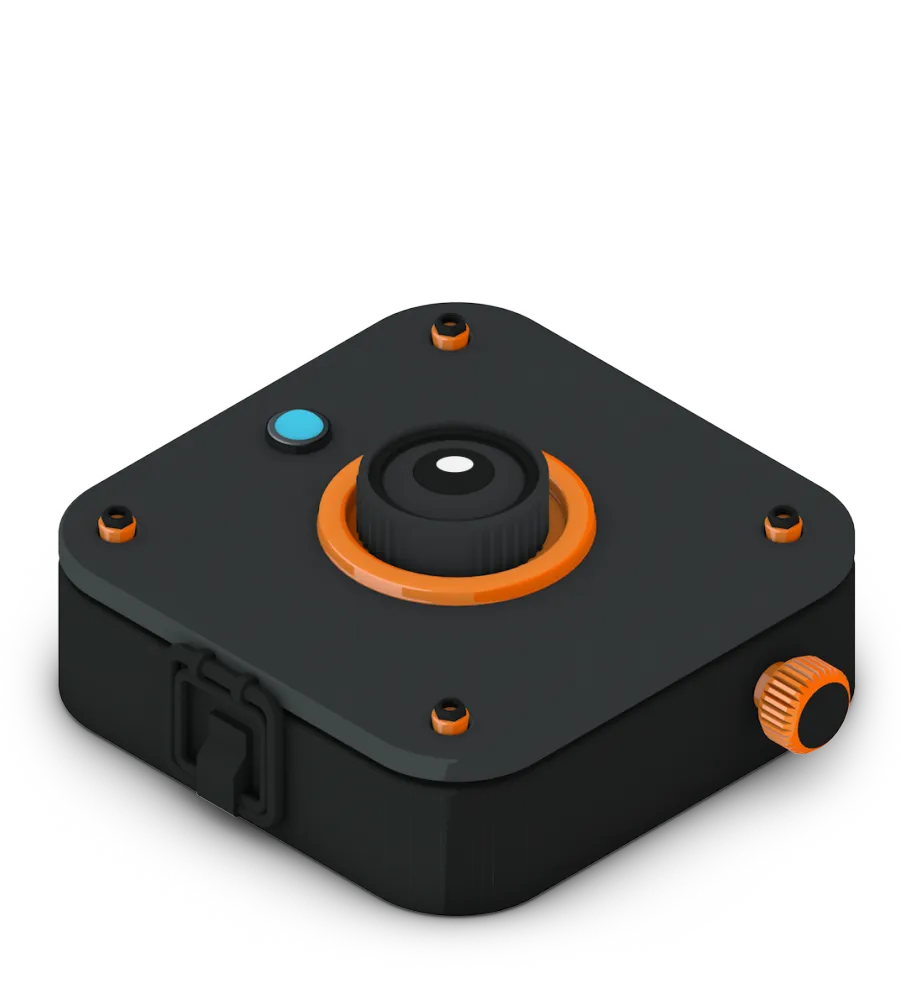
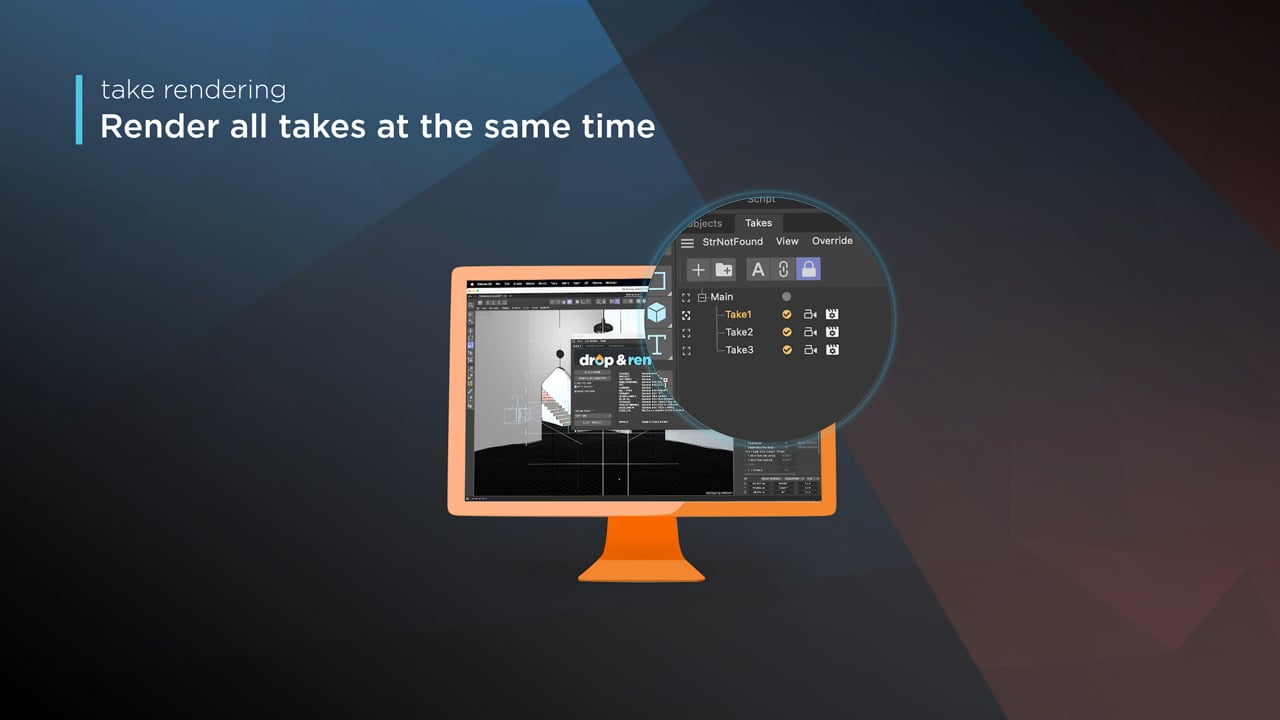
Full support for Take Rendering in Cinema 4D means you can easily select your takes, hit the Take button, and you’re off! We only upload your project once, and we even support render tokens to keep things running smoothly.
Every version supported
300+ intelligent project checks
So your project will always work perfectly.
Take rendering
Tile rendering
One click project submission
RTX
ON
RTX
ON
Direct file output
No need to wait around - each completed frame is automatically downloaded straight to your hard drive.
Cryptomatte
Tile rendering
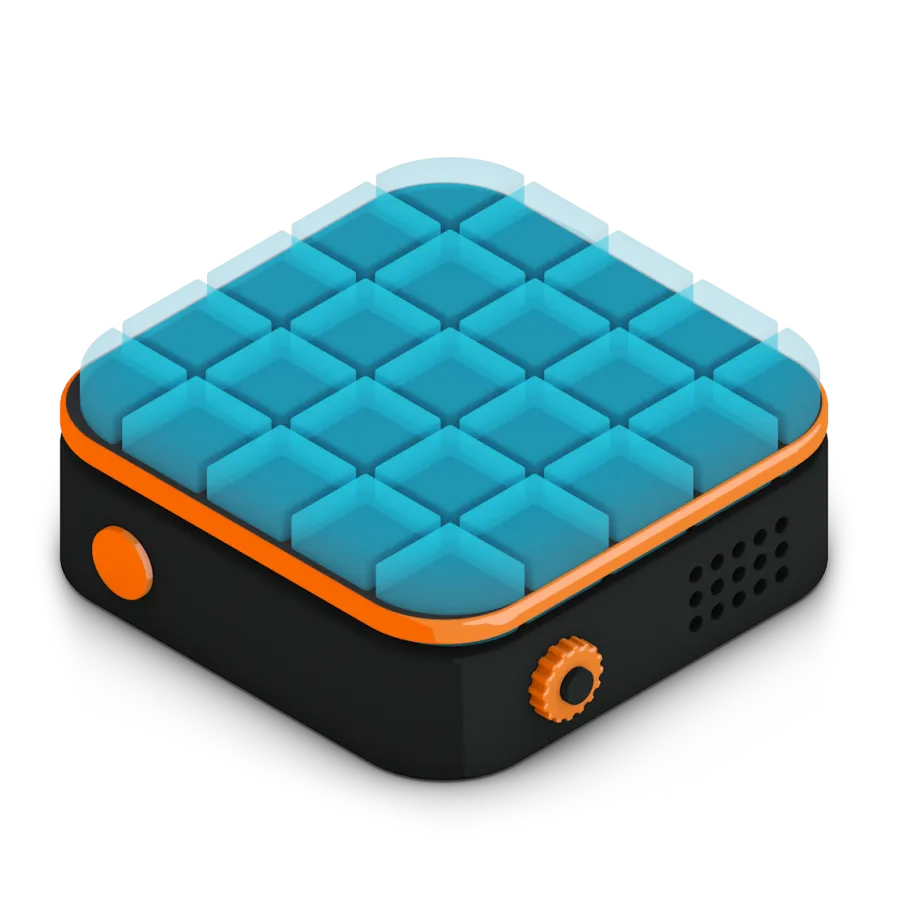
You’ll love this feature! Our platform allows you to render large still images across multiple machines, making the process as easy as rendering an image sequence. Simply enable the Tile Rendering option in our plugin, and we’ll take care of the rest. Your still images will be rendered in record time, with no extra effort required.
Redshift, Octane, Corona & more
Full native support for all major Cinema 4D render engines, including Redshift, Octane, Corona and more. Our system automatically detects your exact engine and version, ensuring pixel-perfect consistency between your local setup and the farm.
Zero asset remapping. Ever.
No need to save with assets or manually remap paths before submitting. Our plugin scans your scene, collects all dependencies, and handles everything automatically. Just hit submit and you're done.
Renders land straight on your drive
Every completed frame is downloaded directly to the exact output path you defined inside Cinema 4D. No manual file management, no extra steps. It feels exactly like rendering locally.
300+ automatic project checks
Before your job starts, we run over 300 intelligent checks on your scene to catch potential issues. If anything needs attention, we'll let you know upfront so you can submit with complete confidence.
Manage renders from anywhere
No need to be at your workstation. Our responsive web dashboard and mobile app let you track progress, view logs, and manage costs from your phone or tablet, wherever you are.
Built for studios of any size
Connect your entire team to a single Drop & Render account. Admins can track all jobs, manage permissions, and share a pool of credits, keeping everyone in sync across your pipeline.
Your workflow, fully supported
Our plugin handles the details so you don't have to. Custom OCIO profiles, render passes, volumes, and Takes are all correctly detected and rendered without any extra configuration on your end.
Pay for results, not priority slots
You're only charged for a higher priority tier if it actually speeds up your job. If machines are available, even top-priority renders are billed at the base rate.
Highlighted features
Our Cinema 4D render farm is built for professionals who need more than just raw power. From smart asset handling to custom pipeline integration, we’ve developed advanced tools that make your rendering faster, more reliable, and easier to manage.
Optimize your render with a Custom Slice Number
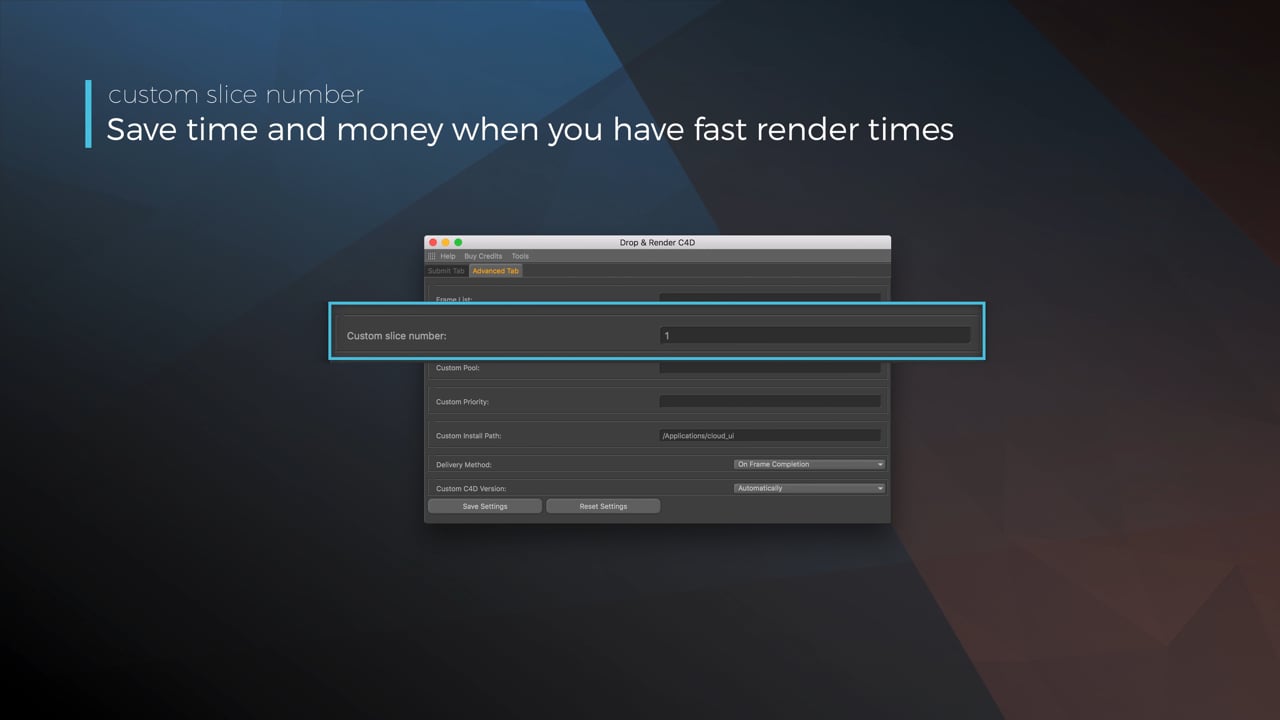
Using a custom slice number lets one machine render multiple frames while only initializing your project once, saving up to 30% in both render times and costs. Works especially well on faster renders!
Understanding render priorities
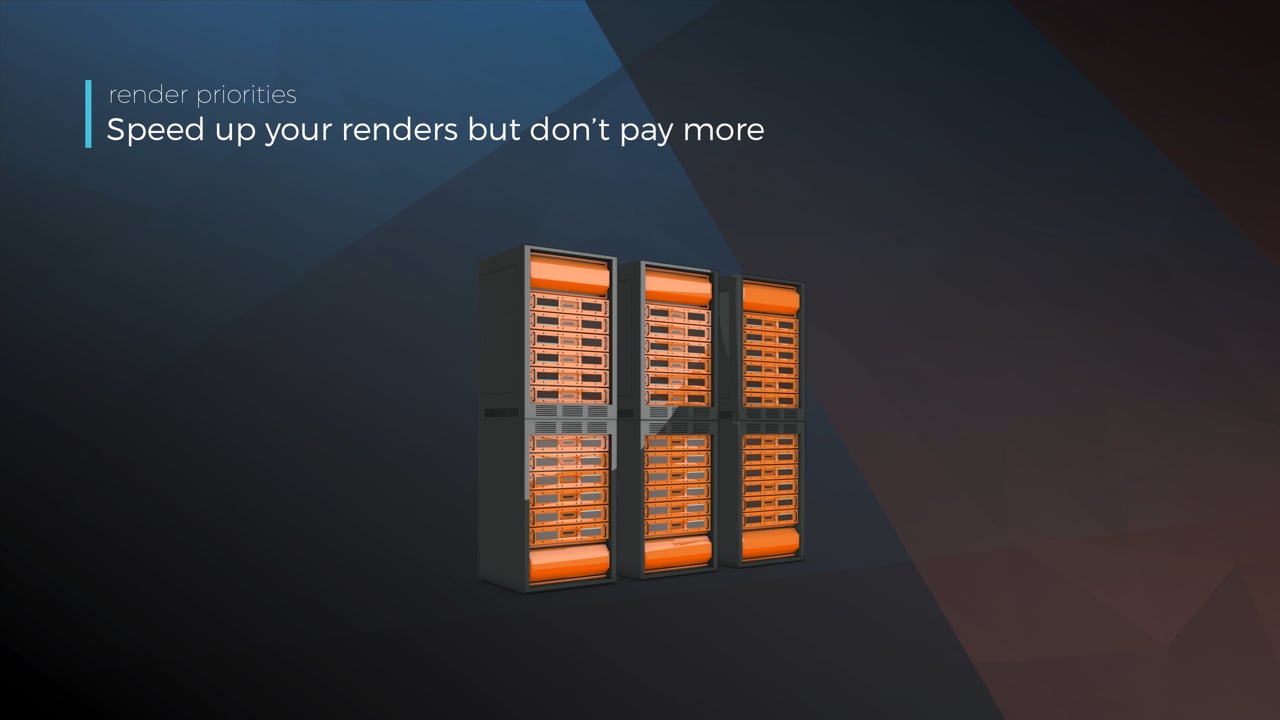
Our priority system has three levels: Sapphire, Emerald and Diamond. The higher the priority, the faster new machines can start working on your projects!
Connect your entire office to Drop & Render
We offer a robust system for a team of artists to work together. You can monitor and download one another's work efficiently, all without having to disturb them!
Submit a custom frame range to the farm
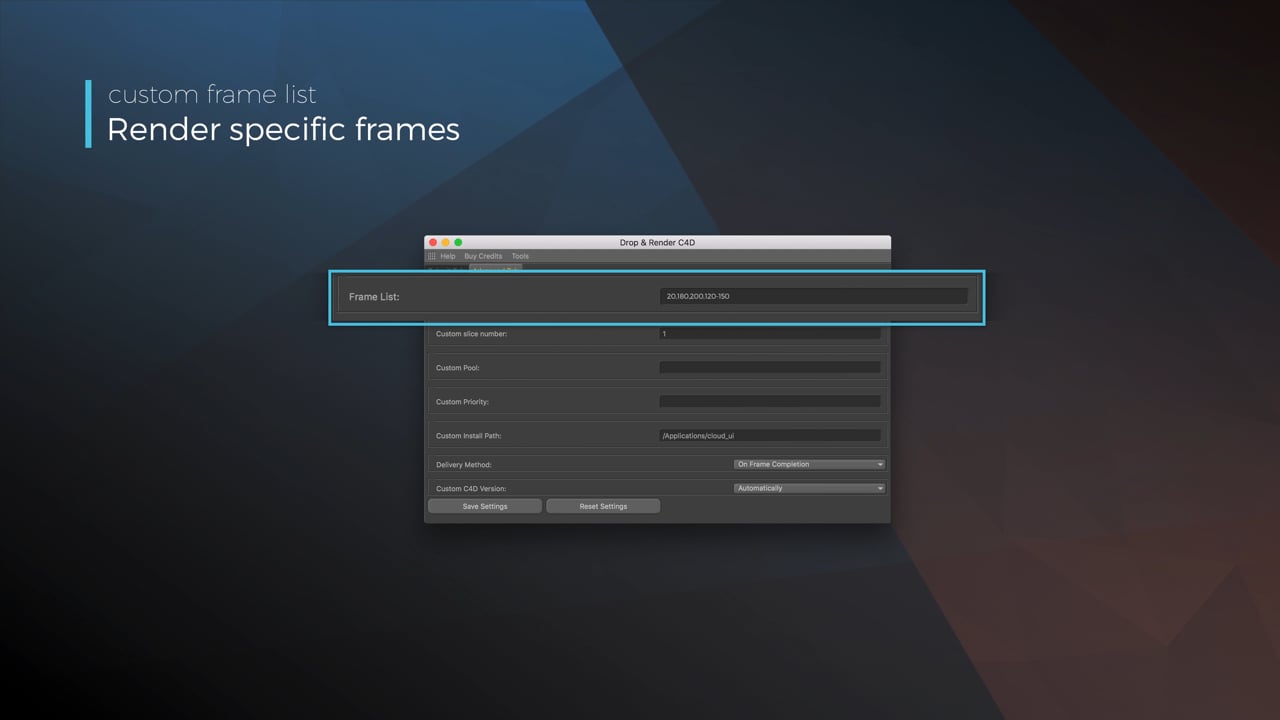
Only need to render a sequence of your project, or need to see a couple of specific frames? You can set custom frame lists from right within our plugin!
Render large still frames with Tile Rendering
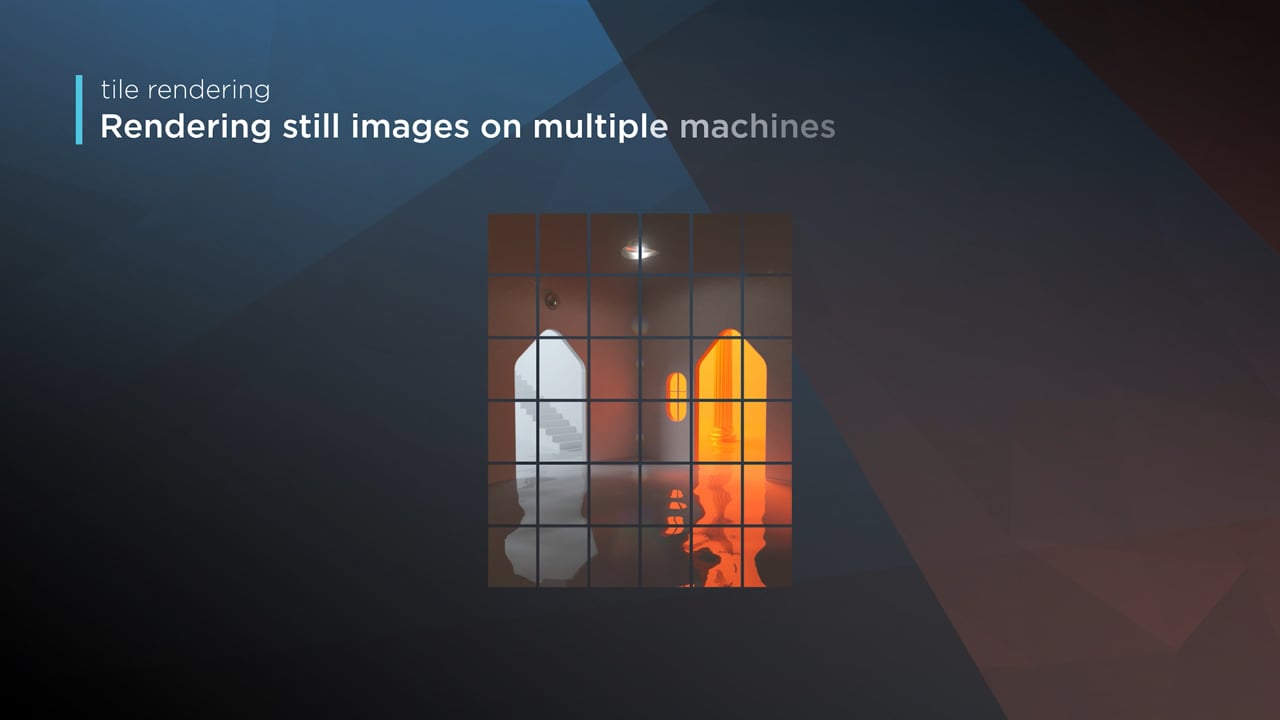
Tile rendering splits a single frame amongst multiple machines, letting them work on it at the same time. Each tile is then seamlessly stitched back and delivered as a single frame!
Related FAQs
Got questions about submitting your Cinema 4D projects? Check out our most frequently asked questions here.
Do I need to manually collect my Cinema 4D assets or remap file paths before submitting?
How does a Cinema 4D render farm work?
How much does it cost to render a Cinema 4D project on a render farm?
What third-party Cinema 4D plugins are supported and which versions?
Which Cinema 4D render engines does Drop & Render support?


Supported software
Company details
We'll start you off with €25 credits!